Aging Report
Report Parameters
|
Field |
Description |
|---|---|
|
Report Name |
The name of the report. |
|
Date to Age Against |
The date for which the report must be generated. |
|
Hide Debit Values |
By default, the flag will be disabled. |
|
Include transactions prior to Aging Date |
By default, the flag will be disabled. |
|
Report Options |
Available options include the following:
|
|
Sort Options |
Available options include the following:
|
|
Select Options |
Available options include the following:
|
|
A/R Account Names |
A list of all the available A/R account names. This field is displayed when Account Name is selected in select options. |
|
A/R Account Codes |
A list of all the available A/R account codes. This field is displayed when Account Code is selected in select options. |
|
A/R Account Categories |
A list of all the available A/R account categories. This field is displayed when Account Category is selected in select options. |
|
Transaction Code |
A list of all the available transaction codes. This field is displayed when Transaction Code is selected in select options. |
|
A/R Account Category2 |
A list of all available A/R account categories. If the user selects a category in this field, the system sorts the report based on this category. |
|
Print Customer Comments |
When enabled, the system prints customer comments in the report. |
|
Include Records with Activity |
Available options include the following:
Based on the option selected, the report would be generated with the aging intervals configured in Accounting à Accounts Receivable à A/R Control Setup à Invoice/Statement and Aging. |
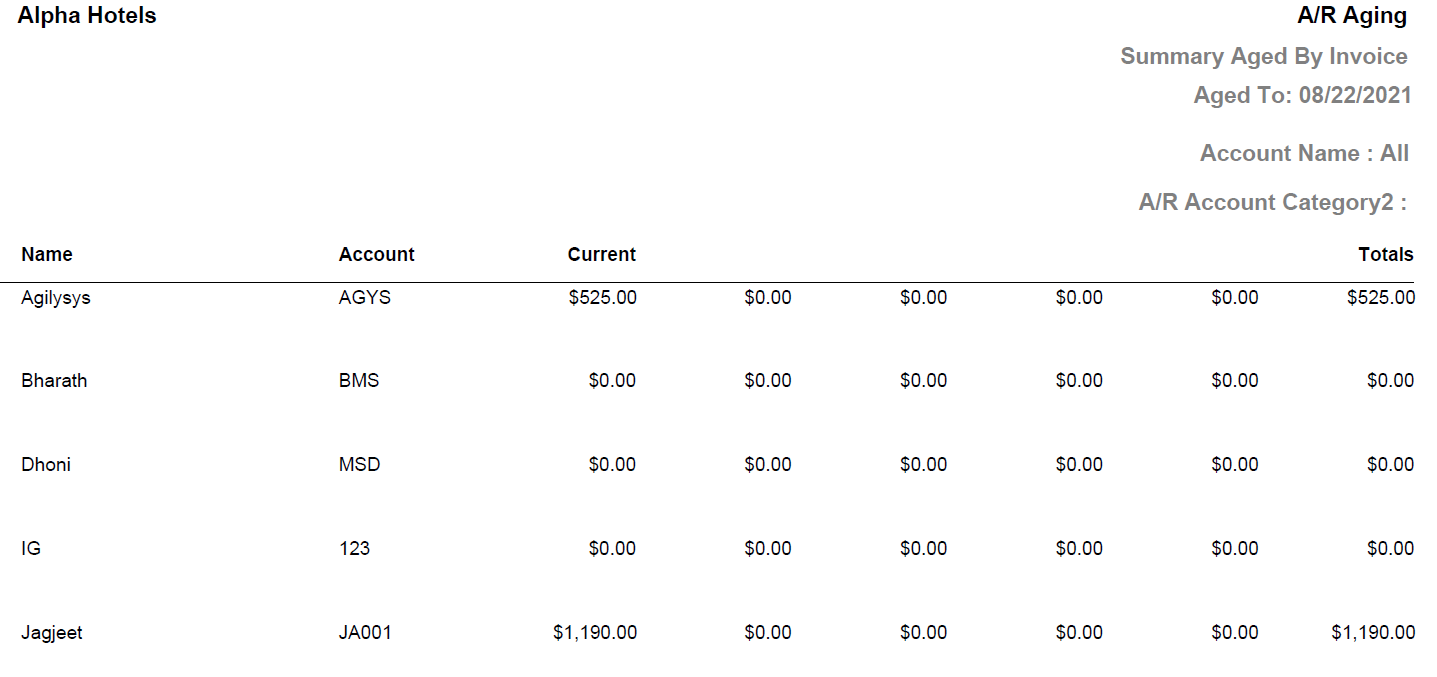
Sample Report - Summary Aging Report
Sample Report - Detail Aging Report
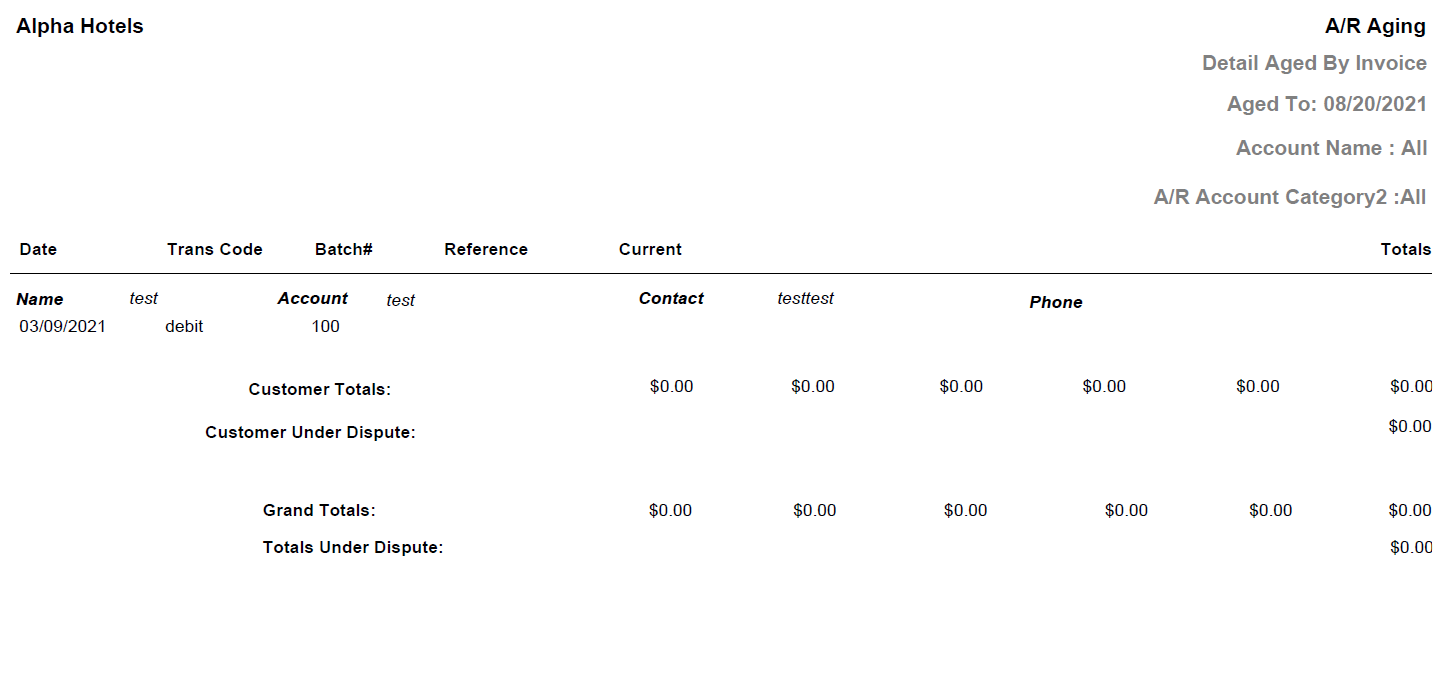
Report Fields
|
Field |
Description |
|---|---|
|
Date |
The date the transaction was made. |
|
Trans Code |
The transaction code associated to the charges. |
|
Batch# |
The batch number of the A/R transaction. |
|
Reference |
Displays the reference that was provided during batch creation. |
|
Name |
The name of the A/R account. |
|
Account |
The account number of the A/R account. |
|
Contact |
The first and last name of the contact person. |
|
Phone |
The contact number of the customer. |
|
Customer Totals |
The total outstanding amount of each A/R account for each aging period is displayed. |
|
Customer under Dispute |
The unpaid invoice balance of the customer. |
|
Totals |
The total outstanding amount of an A/R account of all aging periods is displayed. |
|
Grand Totals |
The total outstanding amount of all A/R accounts for the date. |
|
Total under Dispute |
The total unpaid invoice balances. |